When you are investigating or hunting for a threat on managed endpoints, you can save real-time search expressions or queries to reuse and search real-time data in future. This helps you to save queries within EDRF and avoids saving queries in a separate file or notepad.
Log on to Trellix EDR.
Go to Menu → Real-time Search.
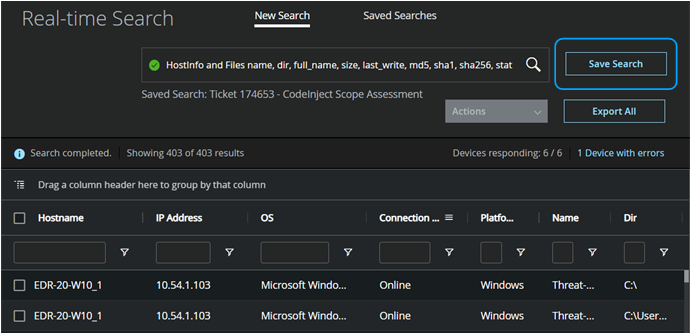
In the search box, enter a search query. Click the search icon to start collecting data from managed endpoints.
Based on the search query, the list of events, processes, or endpoints is displayed.
Select Save Search to save the search query. Then you can enter Name and click Save.
The newly created or updated query appears on top in the Saved Searches tab.
The saved expression or query is available in the Saved Searches tab and you can use the query to run at any time.