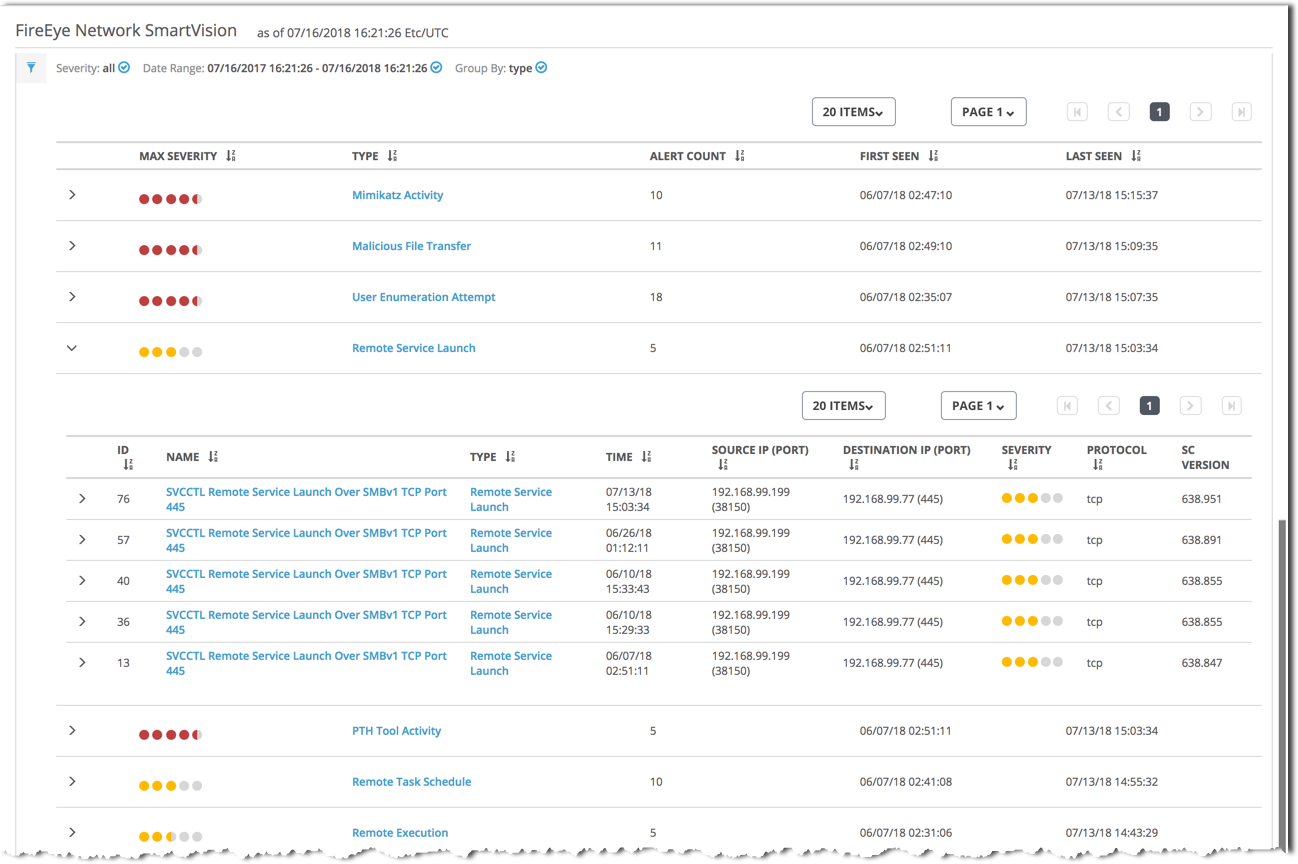
The SmartVision alerts list can display alerts grouped by attack type.
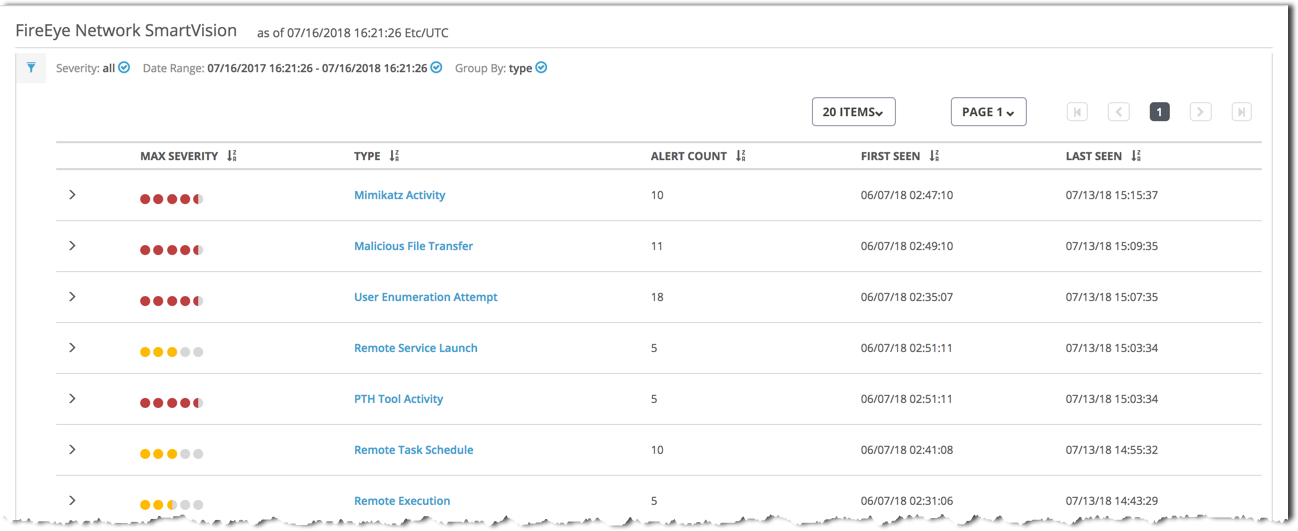
The following table describes the columns in the SmartVision alerts list when grouped by attack type:
To view more information about a group of alerts in the list, do the following:
Click the attack type (in the Type column) to view detailed information about attacks of that type.
Click the arrow icon (
 ) to expand the group and show the alerts in the group.
The following example shows part of a SmartVision alerts list grouped by attack type. The Malware File Transfer group is expanded to show the five alerts for that attack type.