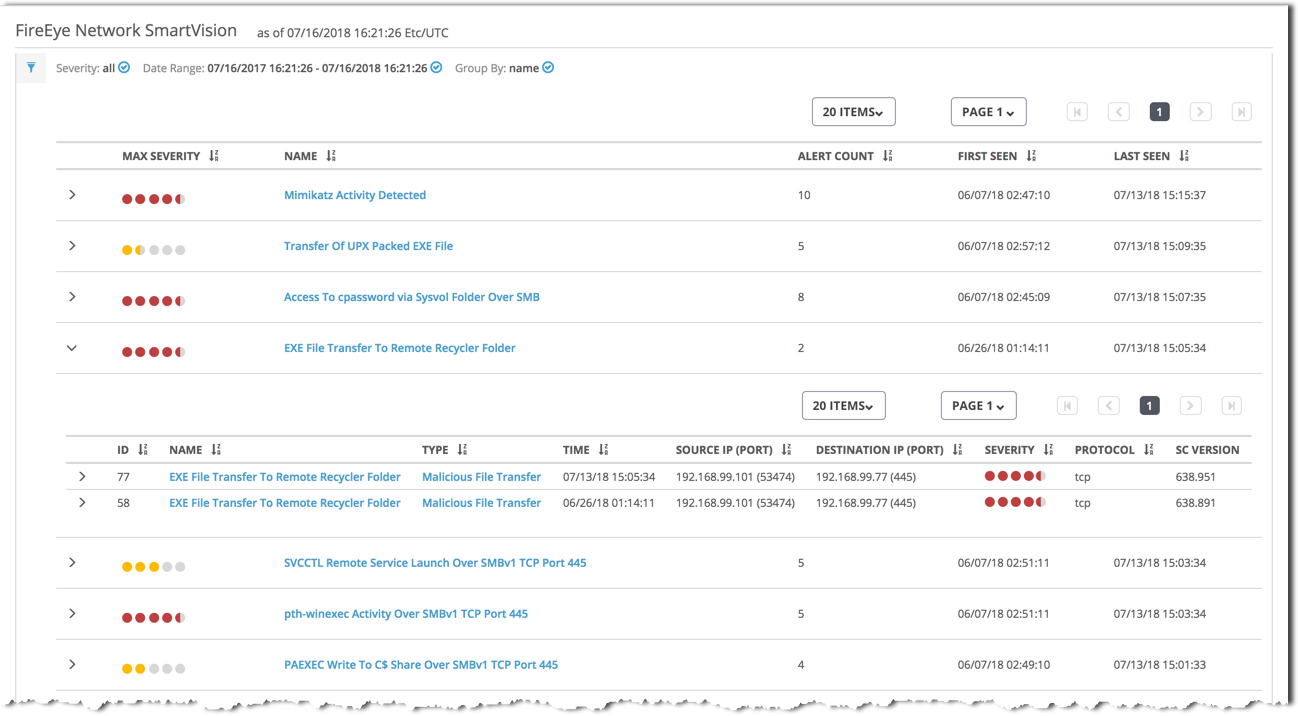
By default, the SmartVision alerts list displays alerts grouped by the name of the rule that was used to detect the post-exploitation attacker activity.
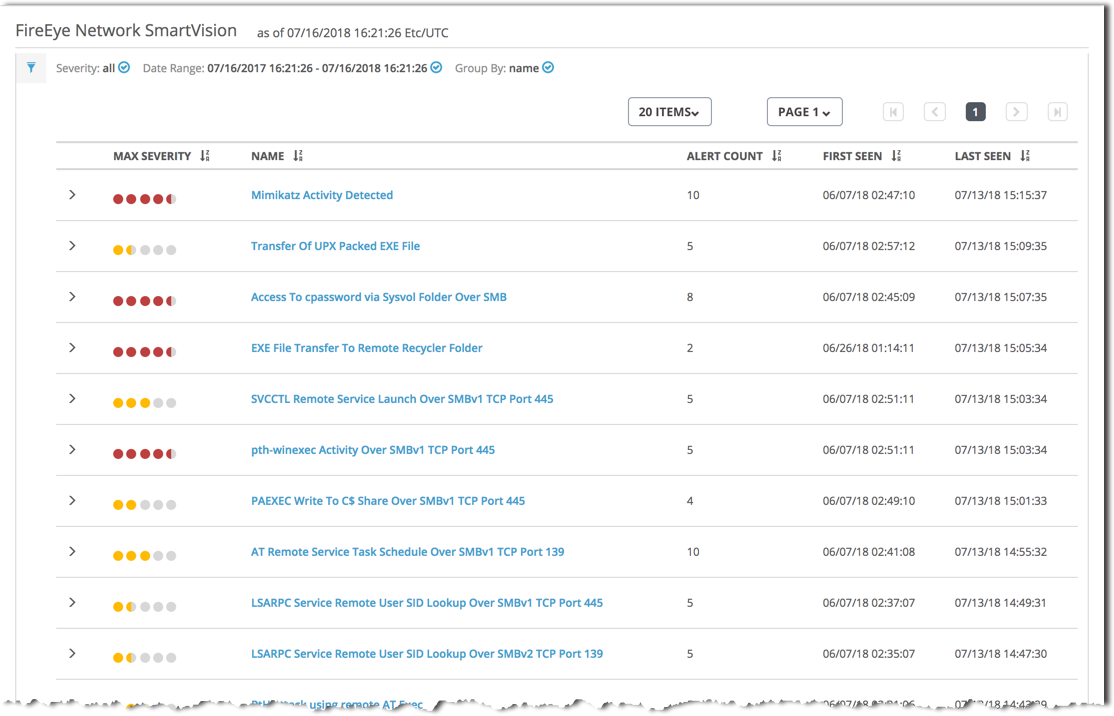
The following table describes the columns in the SmartVision alerts list when grouped by rule name:
To view more information about a SmartVision rule name in the list, do the following:
Click the rule name (in the Name column) to view detailed information about the types of attacks detected by that rule.
Click the icon to the left of the rule name to view more information about that alert.
The following example shows part of a SmartVision alerts list grouped by rule name. The EXE File Transfer to Remote Recycler Folder group is expanded to show the two alerts detected by that rule.