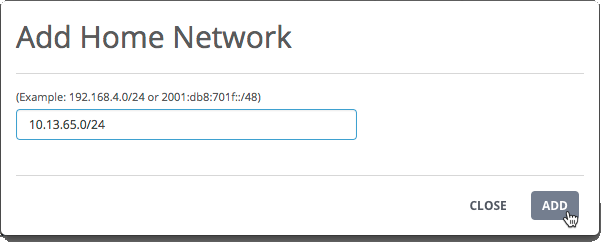
Use the Add Home Network dialog box to add a range of IPv4 addresses to the data exfiltration detection home network list.
When data exfiltration detection is enabled, the appliance monitors the egress traffic from the hosts specified in the home network list. The list is empty by default.
Important
After you configure or edit the homenet list, it takes 72 hours to build baseline egress traffic profiles for the specified hosts and networks.
Prerequisites
Admin access to the SmartVision appliance.
To add an IP address range to the data exfiltration detection homenet list:
Log in to the appliance Web UI and select Settings > SmartVision Configuration.
Click the Data Exfiltration Detection tab.
Go to the Home Networks panel and click Add.
Enter the address range in classless inter-domain routing (CIDR) format (<ipAddress>/<prefix>).
In the example, hosts with IP addresses from 10.13.65.0 through 10.13.65.255 are added to the list of hosts monitored for data exfiltration activity.
Network Security (NX) > Network Security SmartVision Feature Guide > Configuring > Enabling and configuring data exfiltration detection > Configuring data exfiltration detection using the Web UI