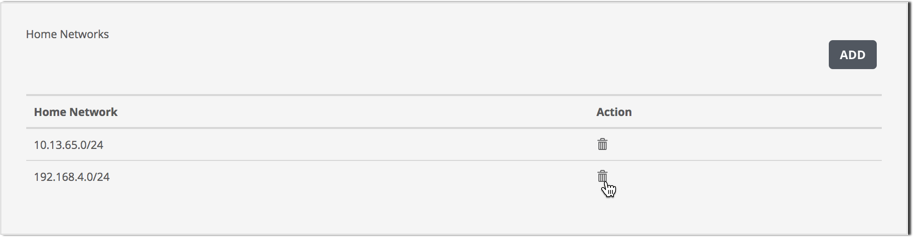
Use the Home Networks panel to remove IP addresses from the data exfiltration detection home network list.
When data exfiltration detection is enabled, the appliance monitors the egress traffic from the hosts specified in the home network list. The list is empty by default.
Prerequisites
Admin access to the SmartVision appliance.
To remove an IP address range from the data exfiltration detection homenet list:
Log in to the appliance Web UI and select Settings > SmartVision Configuration.
Click the Data Exfiltration Detection tab.
Go to the Home Networks panel and find the address range you want to remove.
Click the trashcan icon in the Action column to delete the IP address range.
Network Security (NX) > Network Security SmartVision Feature Guide > Configuring > Enabling and configuring data exfiltration detection > Configuring data exfiltration detection using the Web UI