The groupby transform returns the unique values for a specified field and groups them together based on their frequency. You can use this transform to determine which specific field values are most or least active in your environment and to see how those values relate to other values for the same field.
Search results are displayed in a table showing the total number of values for each field. A maximum of 500 rows is displayed. To view non-grouped results, click Show Search Results.
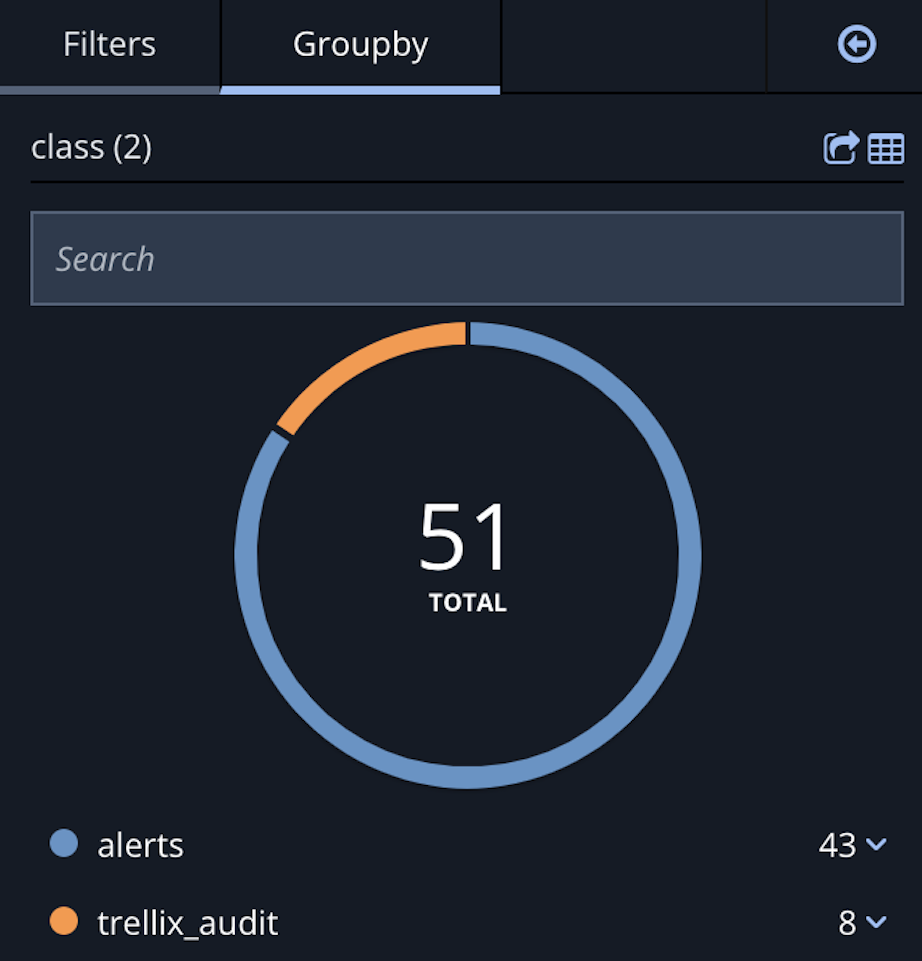
Click  to open the sidebar where you can filter results and view the groupby pie chart.
Note
If there are more than 500 results the pie chart does not render. Refine your query and run the search again.
Groupby Syntax
mql query [directives] | groupby [<order>] <field> [<limit>] [<threshold>]
| Controls the order of the results. Must be > (descending order) or < (ascending order). When using a key/value syntax, the strings “desc” or “asc” are also acceptable. Descending order will show the most frequent occurrences; ascending order will show the least. |
| A field used in your environment. |
| Integer. Designates the maximum number of results to show. This argument is optional. |
| Integer. Designates a minimum count threshold. This argument is optional. |
Note
TQL was previously called MQL. You still use and see
mqlin TQL queries.
Examples
Query | Result |
|---|---|
| The top ten |
| The 10 most frequent ports that also have counts greater than 1000. |
| The 100 least frequent |
| The 10 most frequent |
| The 10 most frequent unique |