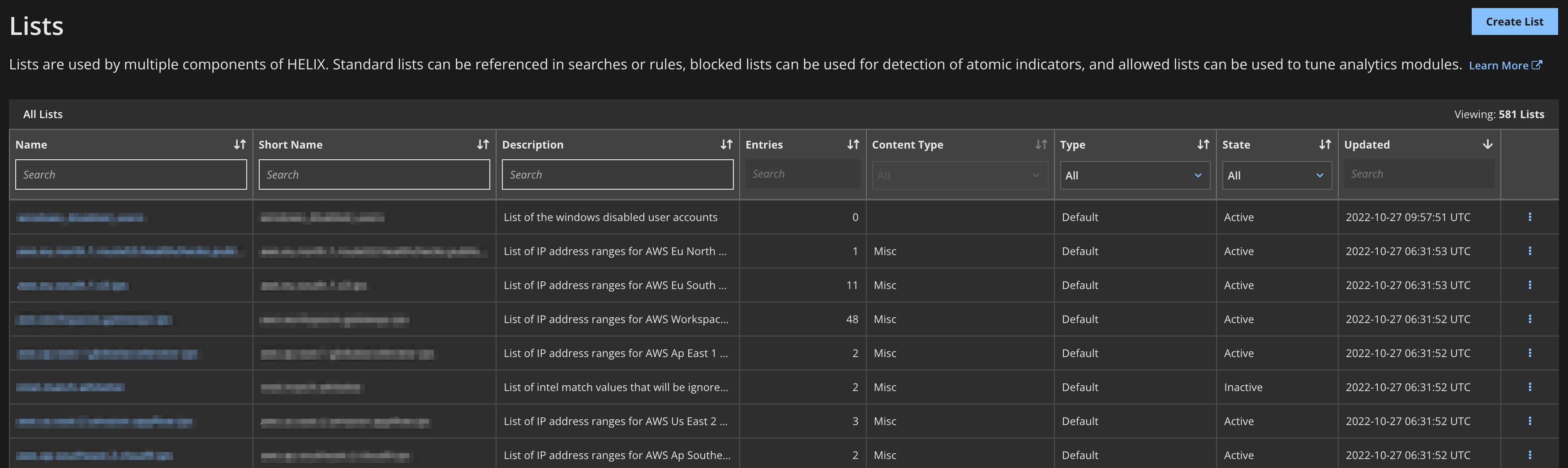
Lists are used by multiple components of Helix Enterprise. They let you conduct searches for multiple items at one time (such as shared indicators or executive machine IPs). If you have many fields that you would like to include in queries, you can create a list and use the list name in the query.
Note
List names with uppercase letters cannot be used in queries. For details, see Understanding list attributes.
The list name serves as a variable in the TQL syntax, as shown below. See the TQL Reference Guide for more information on TQL syntax.
fieldname:$listname
To manage lists, from the main menu select Configure > Lists.