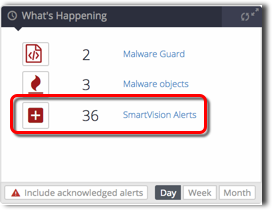
On the What’s Happening panel on the dashboard, you can pivot from the SmartVision Alerts link to the corresponding filtered list of SmartVision alerts.
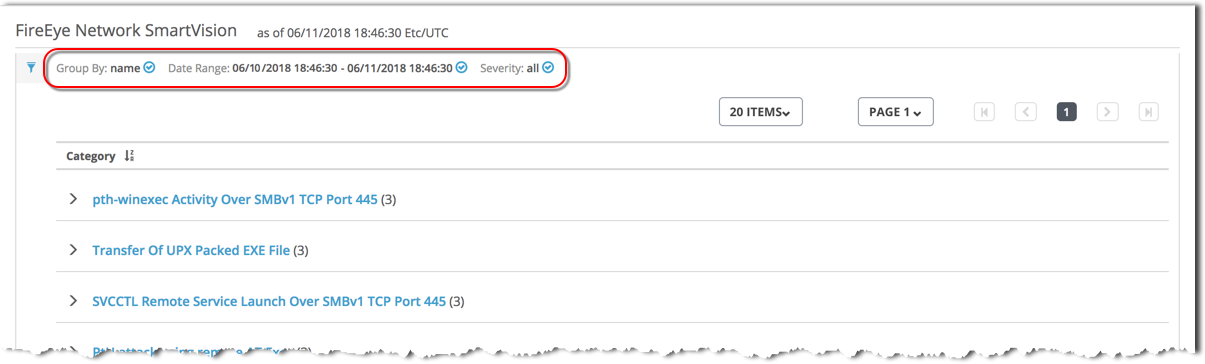
For details about this list, see Managing SmartVision alerts.
Prerequisites
The What’s Happening panel includes the SmartVision alerts icon.
To pivot from What’s Happening to the corresponding list of SmartVision alerts:
Click SmartVision Alerts.
The SmartVision alerts list appears. The list is filtered to display the SmartVision alerts counted in the What’s Happening panel.
Drill down to an individual alert in any of the following ways:
(Optional) Use the Filters panel to change or remove grouping of the alerts and filter the list items. See About SmartVision alerts filtering criteria.
(Optional) Sort the list. See About SmartVision alerts sorting criteria.
To expand a group of alerts or an individual alert, click the arrow (
 ) on the left.