You can remove old or unwanted NDR or PX software images from all NDR and PX appliances using the Software Upgrade page.
Important
Deleting a software image permanently removes it from all NDR and PX appliances.
To delete a software image from your NDR or PX appliance:
Click
 and from CONFIGURATION, select Software Update.
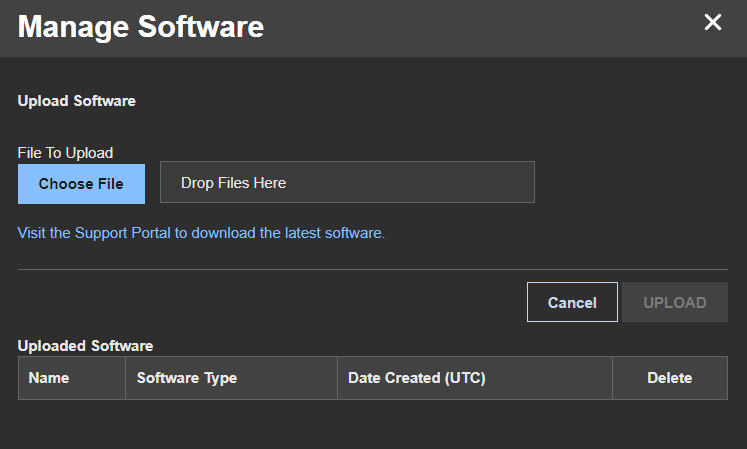
Click the Manage Software button.
In the Uploaded Software table, select the NDR or PX software image you want to delete.
Click the Delete icon next to the image to permanently remove it from all appliances.