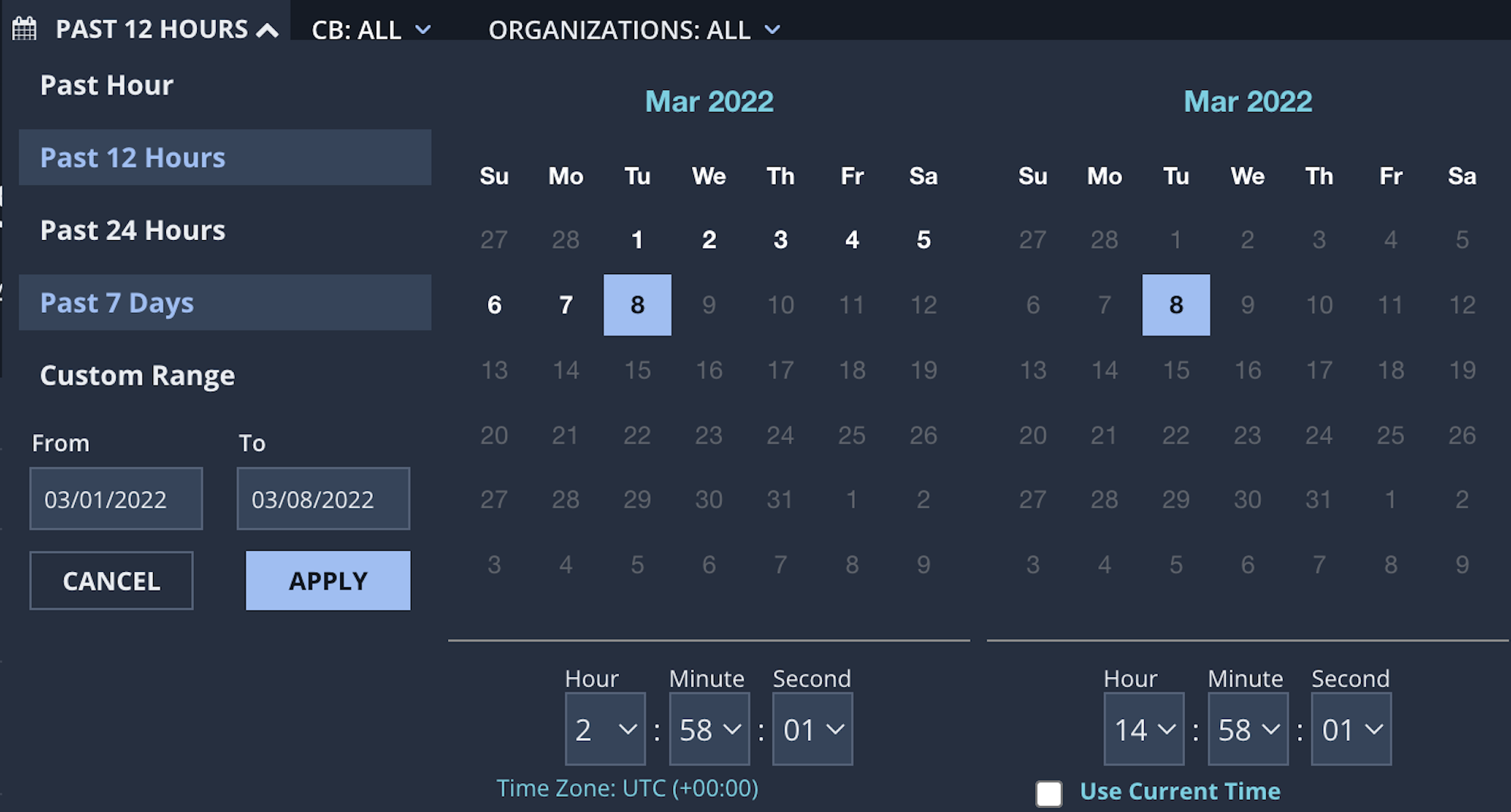
Click the calendar icon underneath the Search bar.
You can search predefined time periods, or you can enter your own date range. To search a predefined time period, click Past Hour, Past 12 Hours, Past 24 Hours, or Past 7 Days. To search a different time period, click Custom Range. Click on the calendar to enter the From and To dates, and click Apply.
(Optional) If desired, select a start time underneath the calendar on the left and select an end time in the calendar on the right.
Note
The archive search end time cannot be within 3 hours of the current time.
Intrusion Prevention System (IPS) > Network Detection and Response (NDR) > NDR 4.x > Network Detection and Response Product Guide 4.x > Investigation and Analysis > The Search menu
Helix Enterprise > Helix Enterprise Product Guide Release 2023.4 > Investigation > Searching the data > Running a search > Selecting a date range for the search