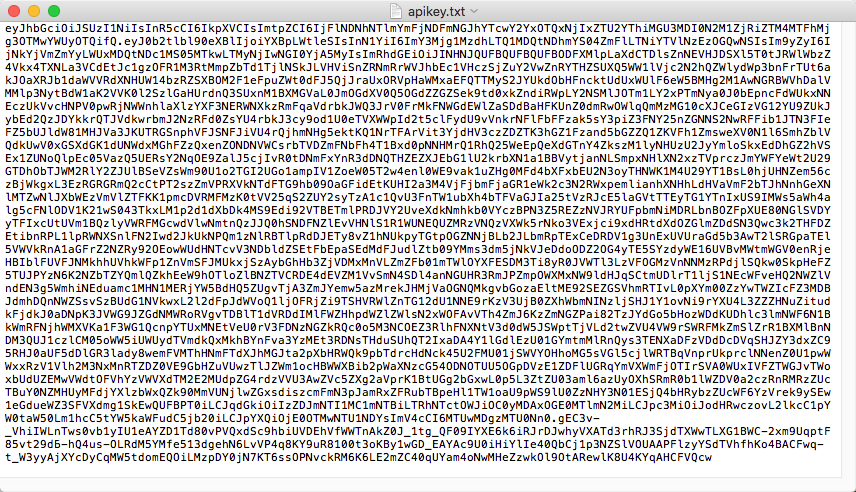
To view, copy, or download an API key created using your Trellix Cloud user account, start at the API Keys view of the My Settings > API Keys page. This view lists the API keys created using your Trellix IAM account.
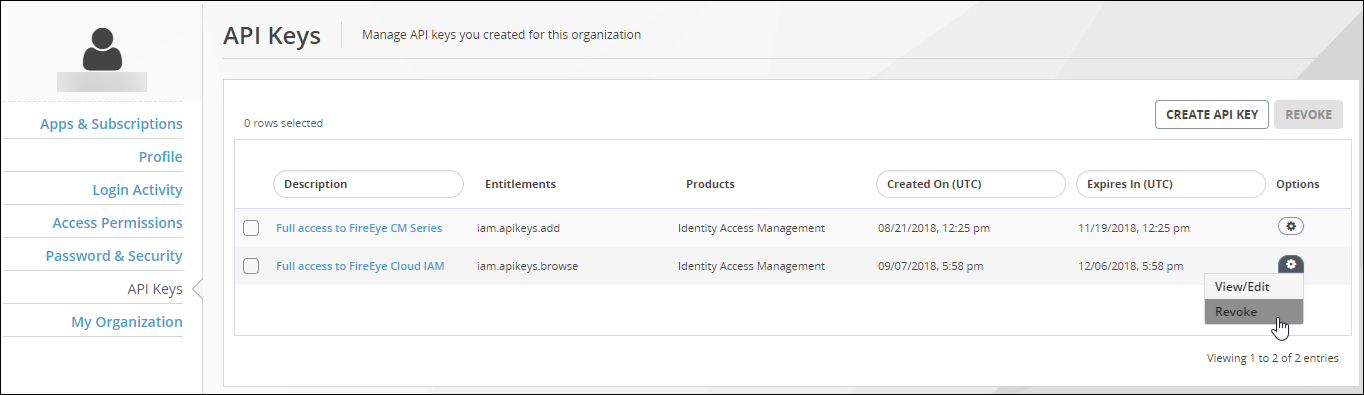
To view, copy, or download an API key you created:
Log in to the Trellix IAM Web UI.
Select My Settings > API Keys.
The page displays the list of API keys you created.
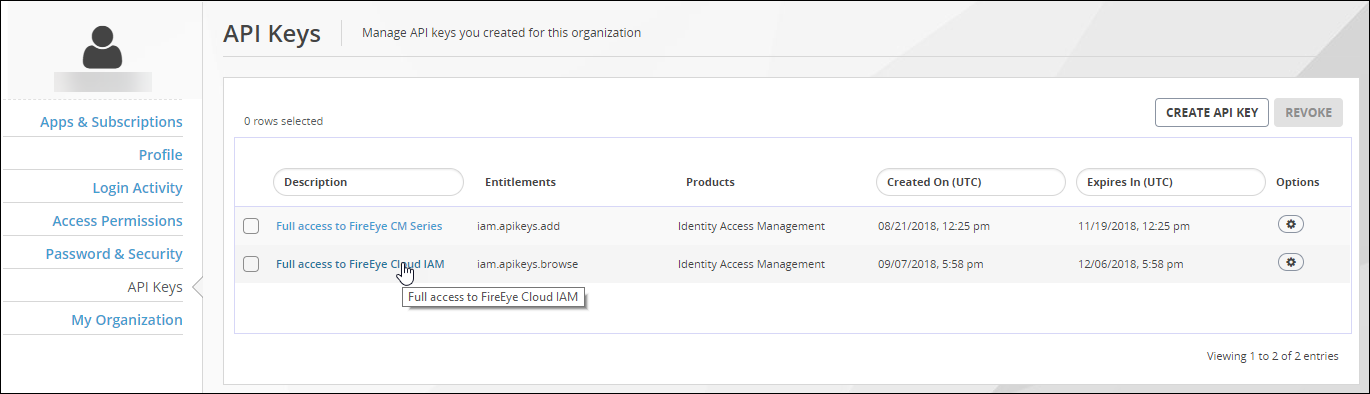
To view details about an API key, do one of the following:
Click the text link in the Description column.
Click the Options icon and select View/Edit.
The editing view of the API key appears.
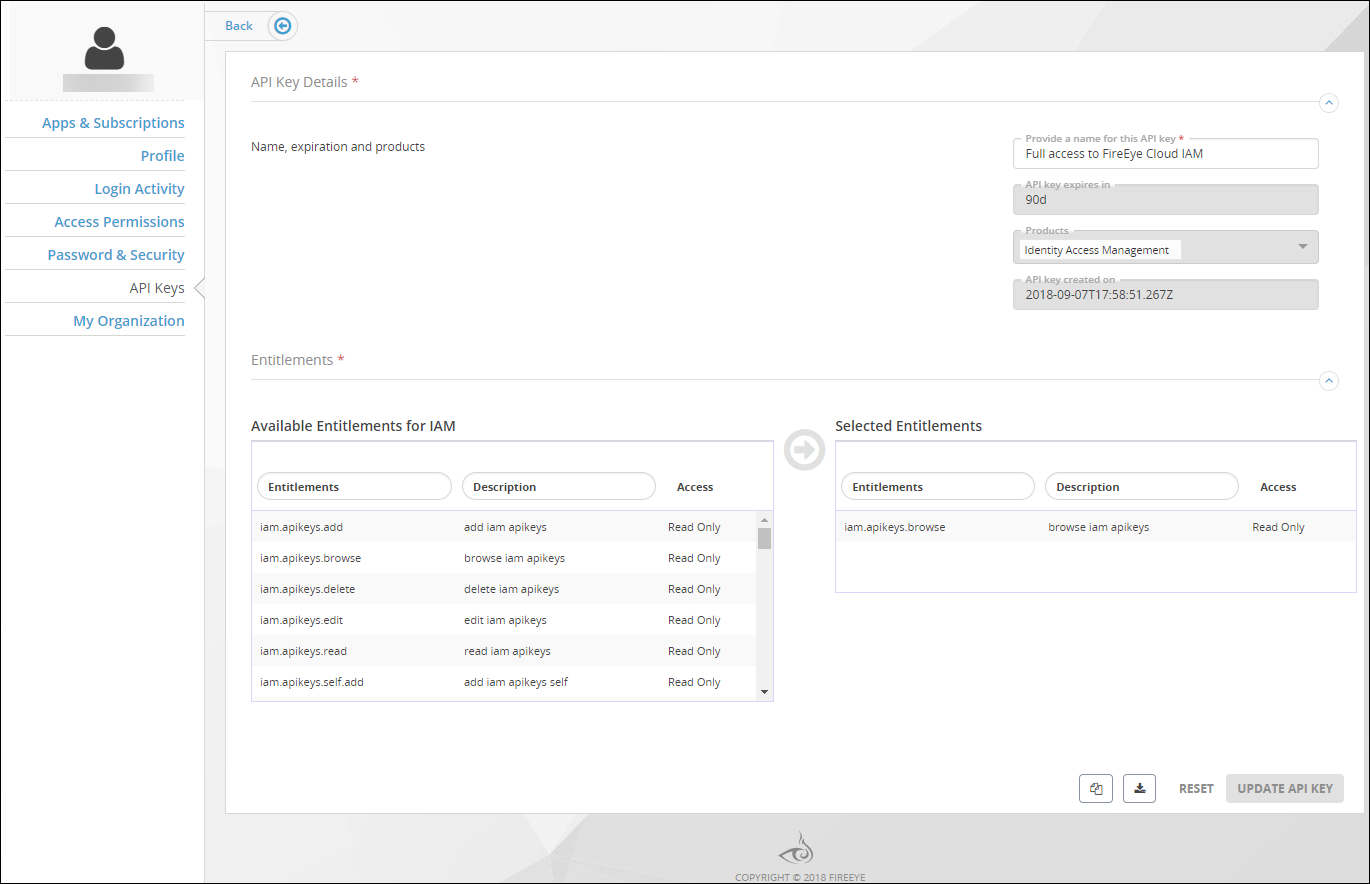
To copy the API key to the clipboard:
Click the Copy icon:
Save the contents of the clipboard to a local file.
To download the API key to a local file:
Click the Download icon:
Save the download file (
apikey.txt) to your local drive.