To view the entitlements assigned to a role in your Trellix IAM organization, use the Edit Roles view of the Roles page.
IAM Admin access to the Trellix IAM Web UI.
To view the entitlements assigned to a role:
Log in to the Trellix IAM Web UI.
Select Organization Settings > Roles. The Role Definitions view lists the global and custom roles defined in your IAM organization.
(Optional) Sort and filter the list on the Name field or the Description field.
Note
Filtering is case-sensitive, and it does not match wild card characters.
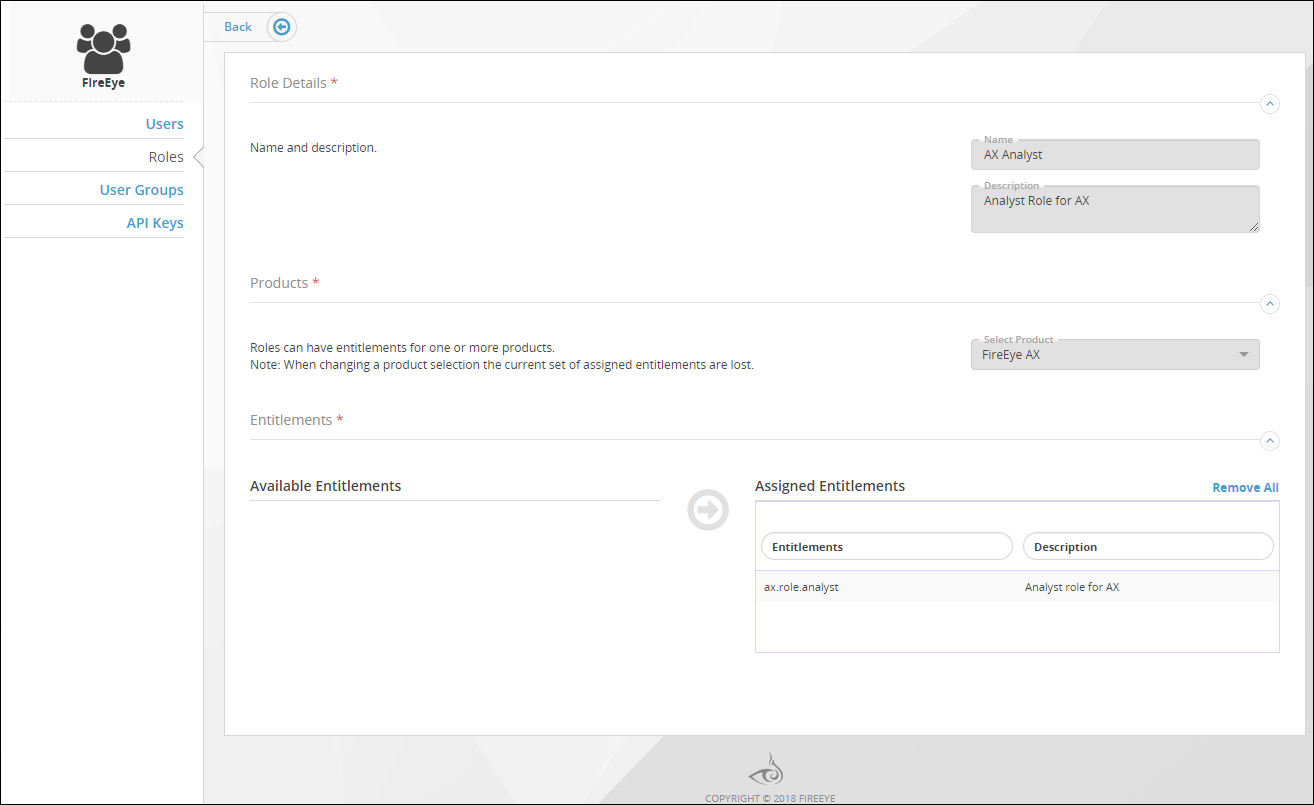
Click the name of the role you want to view. The Edit Roles page shows you which entitlements are assigned to the selected role.
The entitlements assigned to a global role are specific to the product for which the role grants user access. Custom roles can have entitlements for one or more products.