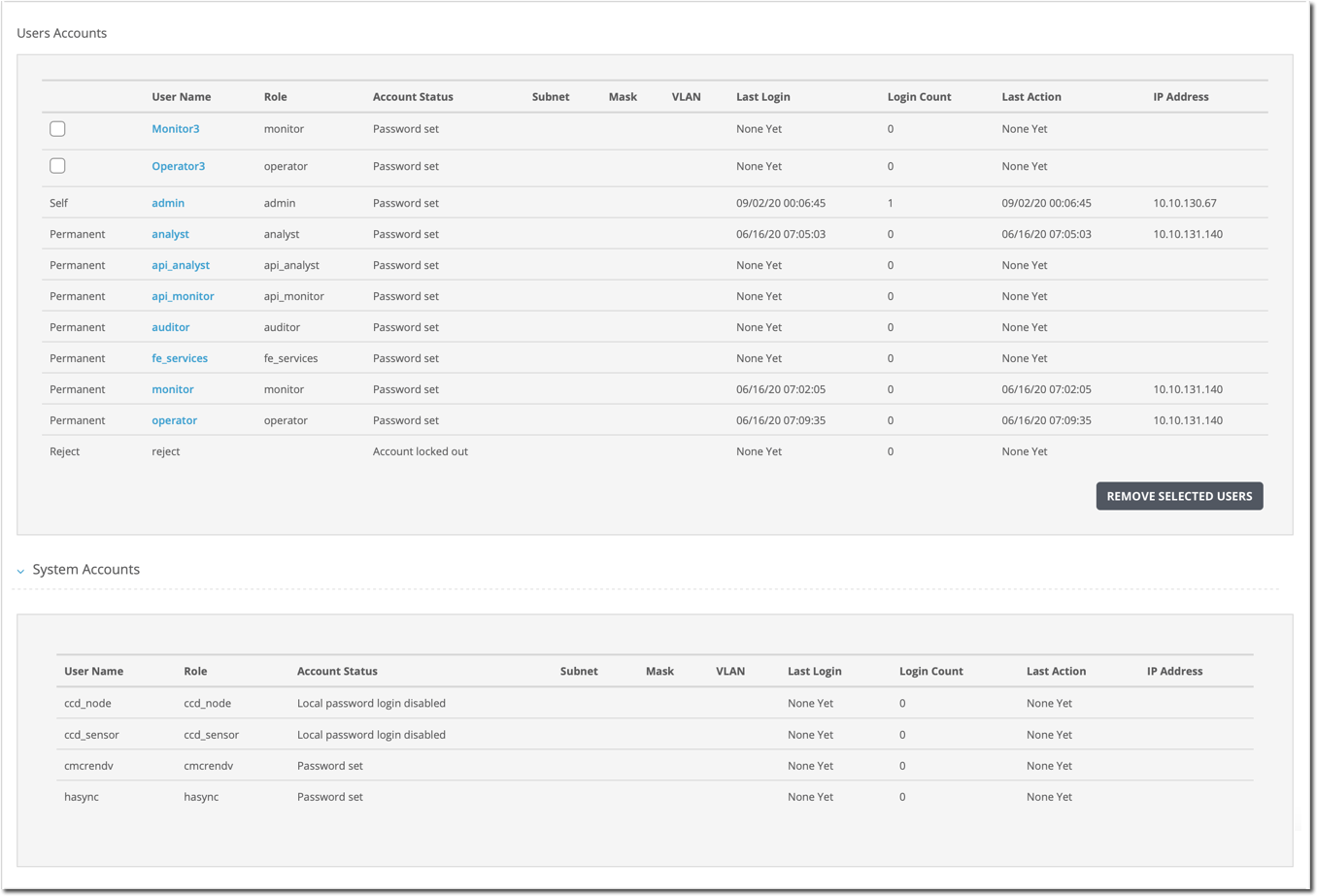
Follow these steps to view user accounts and system accounts using the appliance Web UI.
Note
For a managed appliance, you can perform this procedure on the Central Management System appliance as well as the local appliance. The procedure remains the same. However, you will need to take the additional step to locate the appliance on the Central Management System Web UI. For instructions on locating an appliance on the Central Management System Web UI, see the Central Management System Administration Guide.
Central Management System (CMS) > Central Management System System Administration Guide Release 10.x > Appliances > Adding and removing appliances > Adding an appliance using the Central Management System appliance
Central Management System (CMS) > Central Management System System Administration Guide Release 10.x > Appliances > Checking status and health of managed appliances