Administrators can select the amount of time that on-demand quarantine access links are valid. When the time expires, the link refreshes. This is a domain level setting.
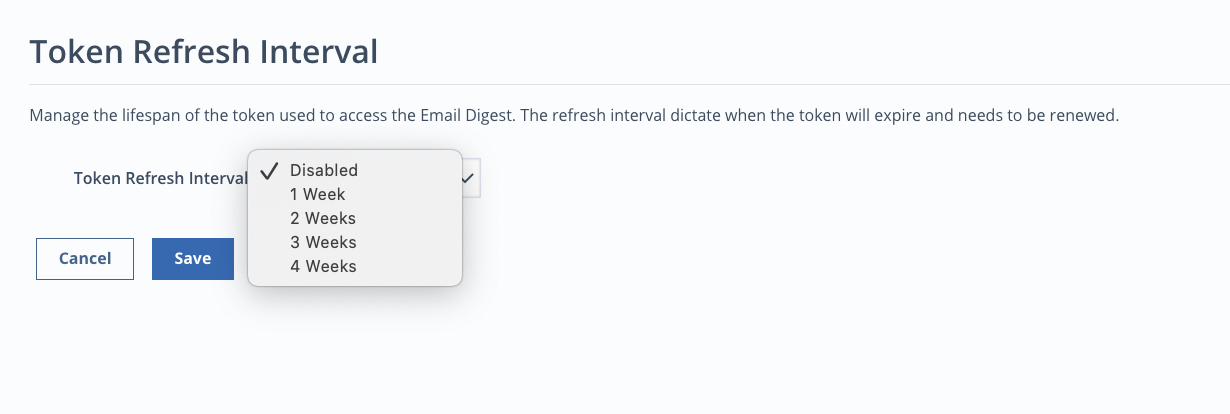
To configure a token refresh interval for a domain:
Under General Settings, click the Manage link next to Token Refresh Interval.
Select Disabled, 1 Week, 2 Weeks, 3 Weeks, or 4 Weeks from the Token Refresh Interval drop-down.
Click Save.
To manually refresh on-demand quarantine links:
From the Email Cloud dashboard, select Organization > Users.
Select one or more of the checkboxes corresponding with the domains you wish to refresh the link for.
Select the
 icon in the top left corner.