Follow these steps to delete a copy of the original email from the quarantine using the Web UI.
Note
You can delete an email from the quarantine only using the Web UI.
Prerequisites
Administrator or Analyst access to the Email Security - Server appliance
The quarantine folder contains one or more malicious emails.
To delete an email from the quarantine:
In the Web UI, click the eQuarantine tab.
The page lists the emails that have already been quarantined.
Select the time frame you want to view by using the calendar icon (
.png) ).
).Select the check box next to the email entry you want to delete. You can select multiple entries or all entries at one time.
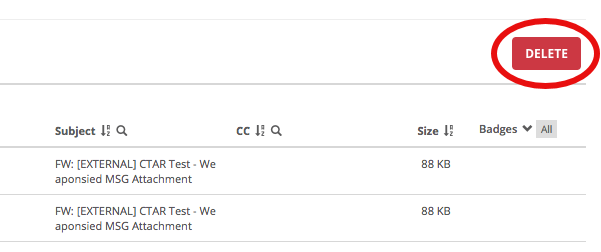
Click Delete.
The email is deleted from the quarantine. The following message appears:

Close the message.