Use the Email Quarantine page to release an email from the quarantine using the Web UI.
To release an email from the quarantine:
In the Web UI, click the eQuarantine tab.
Select the time frame you want to view by using the calendar icon (
.png) ).
).Select the check box next to the email entry you want to release. You can select multiple entries or all entries at one time.
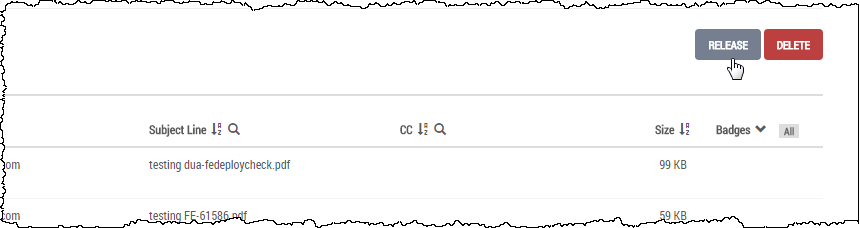
Click Release.
The email is released from the quarantine, and it is delivered to the intended recipients.