The Exec Summary provides a summary of the email traffic during the selected dates. The information is presented in two sections: Email Security at a Glance and Email Security Detection. The summary includes data about the type of traffic received and delivered, content analysis, and distribution across threat categories. The report also includes top rejection reasons and information such as the policies violated or matched by the accepted emails.
Sections with the CSV button in the top right corner can be exported in CSV format for the selected time range.
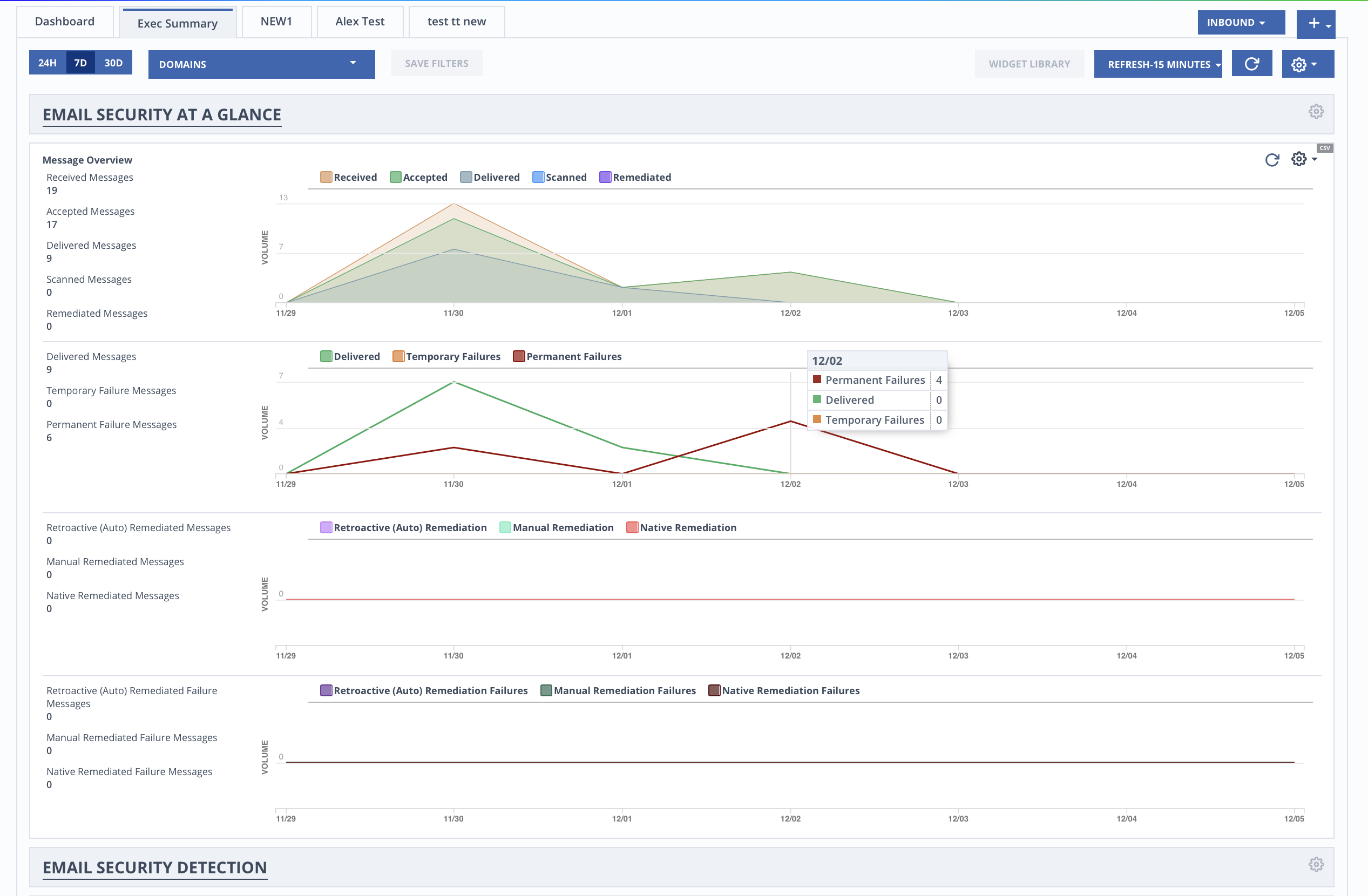
To create a new exec summary, customize an exec summary, or clone an exec summary, see Customizing your dashboard or exec summary.
Scheduling executive summary reports
From the Exec Summary page, you can create up to 3 executive summary report schedules. Scheduled executive summary reports are sent via email as PDFs.
Select the Exec Summary tab.
Click the
 icon in the top right corner.
Click Schedule Reports.
Select the Enabled checkbox.
Enter up to 5 email addresses.
Select a time zone from the Report Time Zone drop-down.
In the Schedules section, under Traffic Type, select Inbound or Outbound.
Under Repeat, select Daily, Weekly, or Monthly.
For Weekly, select a day of the week.
For Monthly, enter the day of the month the report will run.
If the day entered is greater than the number of days in the month, the report will run on the last day of the month.
Select a Delivery Time.
Click Add.
You can create up to 3 schedules.
Click Save.