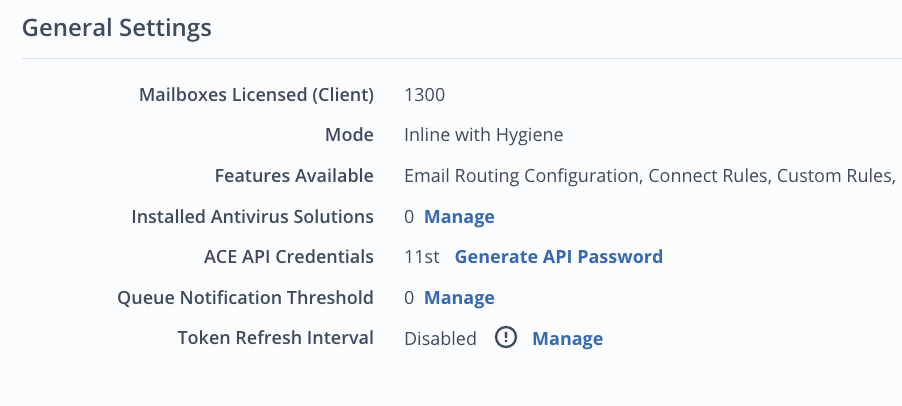
Each domain provisioned in your Email Security — Cloud organization has general settings that can be viewed and configured. Domain groups do not have general settings.
To view a domain's general settings:
Select Domains from the Configuration menu in the top navigation bar.
In the Domains page, click on the name of a domain. General Settings appears below Identification.
You see the following general settings:
Number of licensed client mailboxes
Current monitoring mode: Inline, Out of Band, or Inline with Hygiene. For Out of Band, the BCC address will be provided.
Features available
Installed antivirus solutions. For more information, see Configuring antivirus solutions.
Any incoming and outgoing email servers that have been defined
The queue notification threshold applied to the domain. For more information, see Configuring queue notification thresholds.
The token refresh interval applied to the domain. For more information, see Configuring token refresh intervals.
Installed antivirus solutions and queue notification threshold are the only configurable general settings. To change the other options, contact Trellix Support.