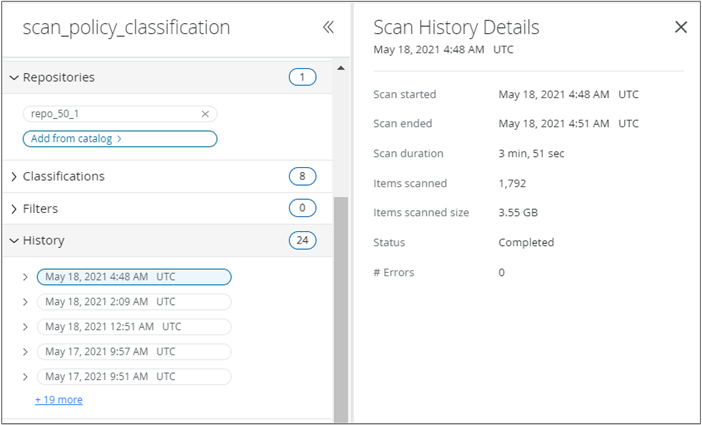
You can select a scan and view the history of that scan in the History section.
On the Scan Management page, click a scan to open the scan details pane on the right.
In the scan details pane, go to the History section.
You can view these details:
Fields
Description
Scan started
The date when the scan started.
Scan ended
The date when the scan stopped.
Scan duration
The duration of the scan.
Items scanned
The number of files scanned in the repository.
Item scanned size
The total size of the files scanned.
Status
The status of the scan, whether in progress, paused, or stopped.
End reason
The reason why the scan is stopped.
#Errors
The number of errors reported for the scan. You can click the value to view the error details in the Operational Event Management page.