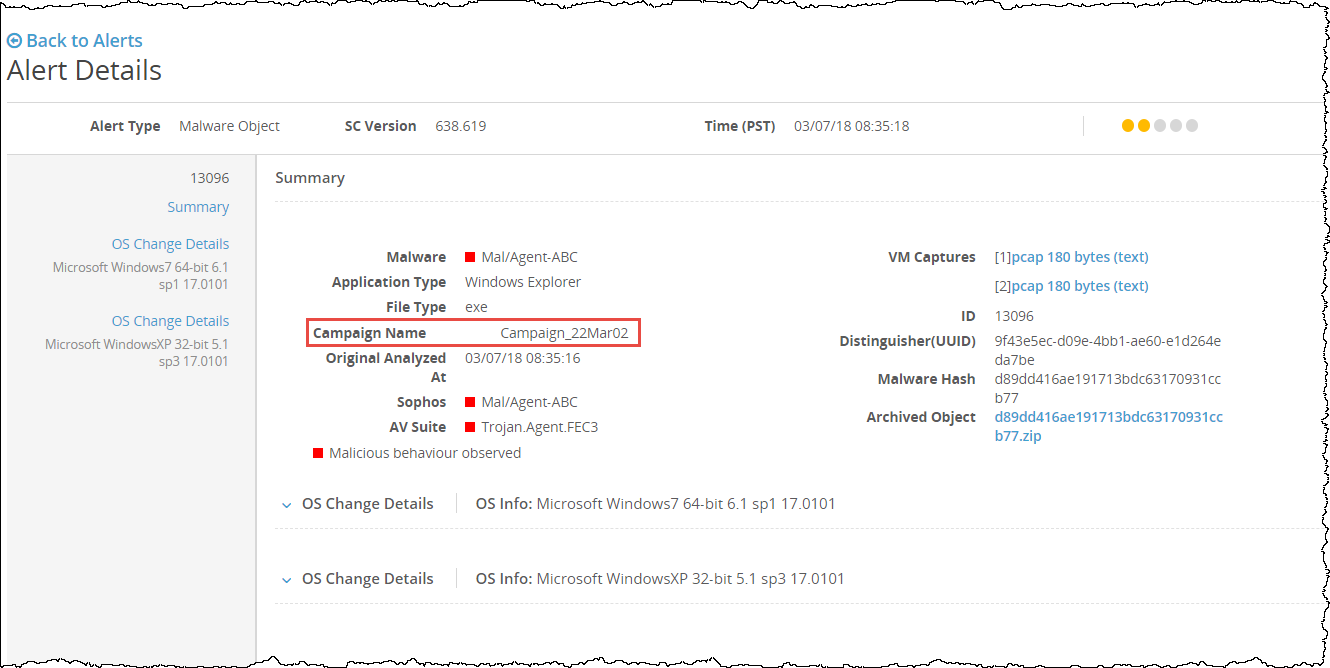
In the eAlerts > Alerts page of the Email Security - Server appliance, you can drill down to view the details of a single alert, including the associated campaign. From the Alerts page, you can drill down to identify the individual attachments that are detected as malicious for a malware event.
The following example displays the drill down details of the malware that includes the associated campaign on the Alert Details page.