Note
Using the Deny List module is restricted to Trellix Endpoint Security Administrators and Investigator roles.
Usage of the Deny List module is independent of Malware Protection, Malware Guard or quarantine being enabled on the endpoint.
The Deny List module enables Trellix Endpoint administrators and investigators to alert, block or quarantine files based on a hash or file path list. They can upload files separated by a comma. Files containing MD5 hashes, SHA-256 file hashes, or file paths are uploaded from the UI.
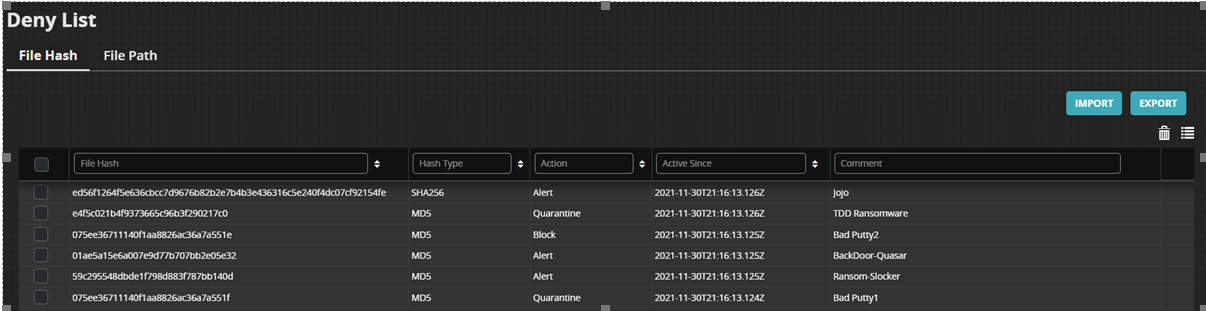
For more information on how to create and install the .csv file, see Creating a CSV File and Uploading a CSV File