When theHost RemediationHost Remediation module is successfully installed on the endpoint, the following files are created on the endpoint:
Windows
Under C:\ProgramData\FireEye\xagt\exts\plugin\HostRemediation
HostRemediation.dll
HostRemediationProxy.dll
NetPowerShell.dll
manifest.json
Linux
Under /var/lib/FireEye/xagt/exts/plugin/HostRemediation
HostRemediation.so
HostRemediationProxy.so
PlatformShell.so
manifest.json
macOS
Under /Library/Application/Support/FireEye/xagt/exts/plugin/HostRemediation
HostRemediation.dylib
HostRemediationProxy.dylib
PlatformShell.dylib
manifest.json
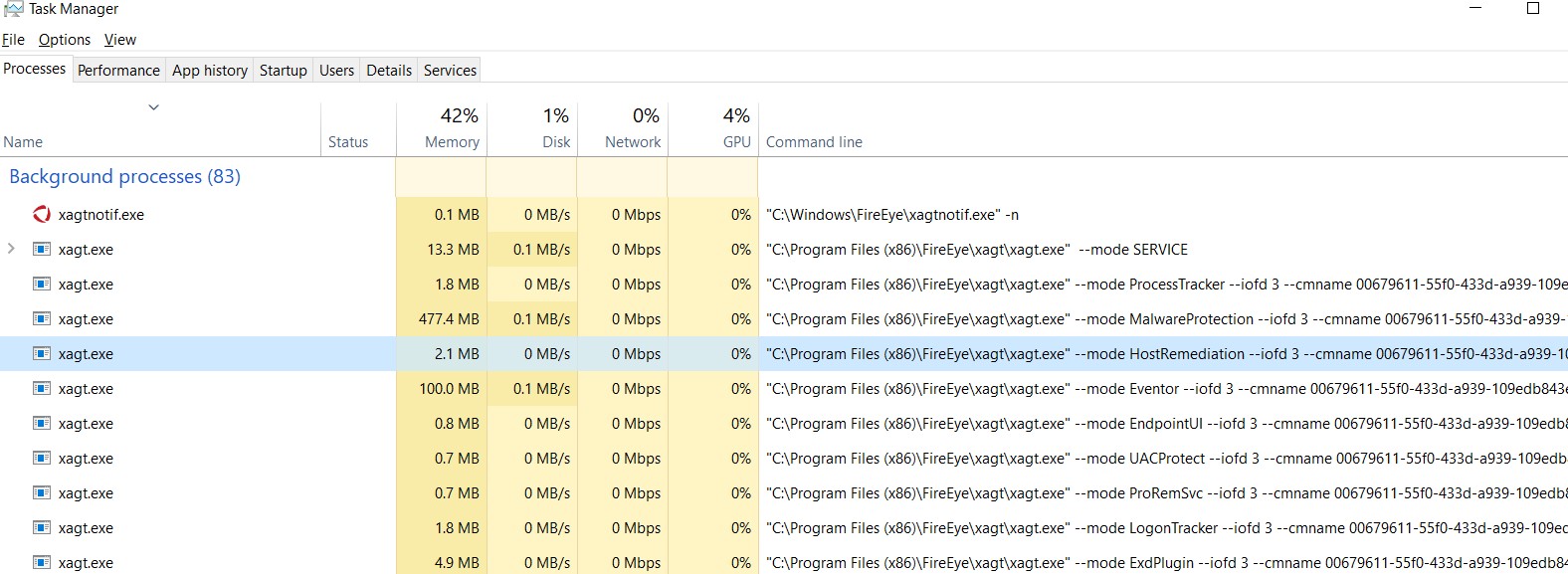
An instance of the xagt.exe process is also created. It has -mode HostRemediation in the command-line argument. This is a container application that interacts with Endpoint agent services and runs under the SYSTEM account.
See the following screenshot for a Host RemediationHost Remediation instance in Windows Task Manger.
Note
The Agent Tamper Protection needs to be temporarily disabled for the command-line parameters to appear in the Windows Task Manager.
See the following screenshot for a Host Remediation instance in a macOS terminal:

See the following screenshot for a Host Remediation instance in a Linux terminal:

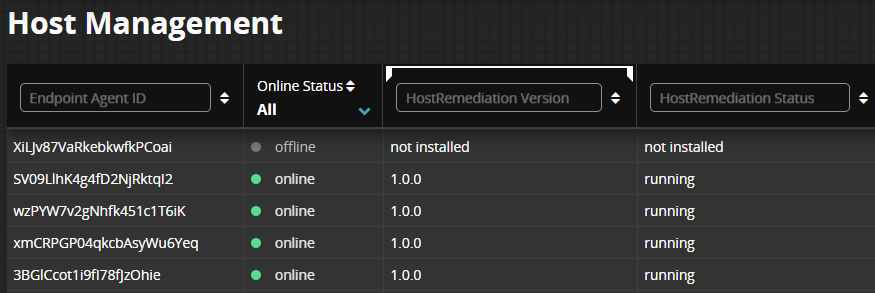
You can also verify the Online Status and Host Remediation version on the Host Management module home page. The Online Status is updated on the next agent poll Request Sysinfo job interval.