A custom dashboard requires a name, a schedule, and at least one widget before you can publish it. You cannot specify a schedule for your custom dashboard until at least one widget is defined for it.
To create a custom dashboard:
From the main menu, select Dashboards > Custom.
Click Create Dashboard.
Enter a name and optional description for your custom dashboard.
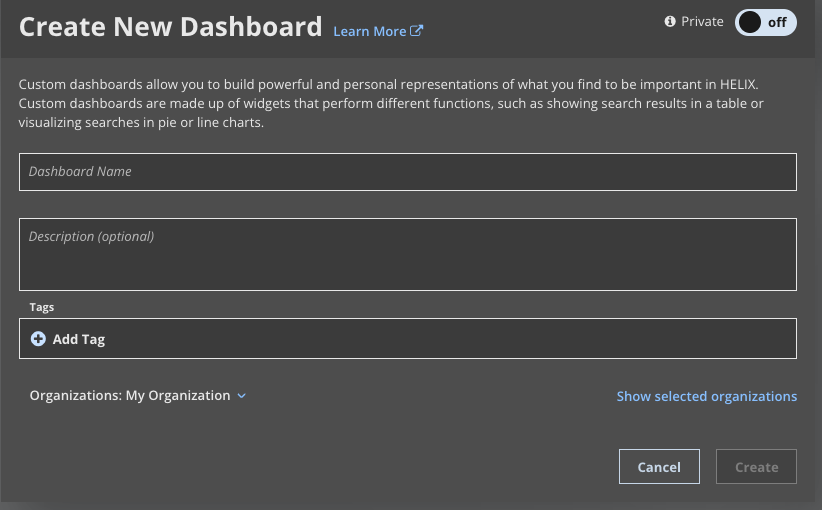
(Optional) Add one or more tags for the custom dashboard. See Tagging a custom dashboard.
Click Create. The new custom dashboard is opened, but the dashboard is incomplete. Use the new custom dashboard page to complete your dashboard definition.
Add one to five widgets. See Creating a widget.
Define a schedule for the widget. See Scheduling a custom dashboard.
Publish the custom dashboard. See Publishing a custom dashboard.
To learn more about editing your custom dashboard, see Editing a custom dashboard.