You can delete users from the Internal Users lists individually, or you can delete multiple users at once. This removes the account definition from your IAM organization.
You can remove users from the External Users list individually, or you can remove multiple external users at once. Removing an external user does not remove the account definition from its primary IAM organization.
To delete user accounts from your Trellix IAM organization, use the Users page.
Important
When you delete a user local account from your IAM organization, Trellix IAM implicitly removes instances of that account from any groups to which the user might be assigned. Removing a user from a user group―whether done explicitly or implicitly―might reduce the access privileges of the users that remain in those groups.
IAM Admin access to the Trellix IAM Web UI.
To delete user accounts:
Log in to the IAM Web UI.
Select Organization Settings > Users.
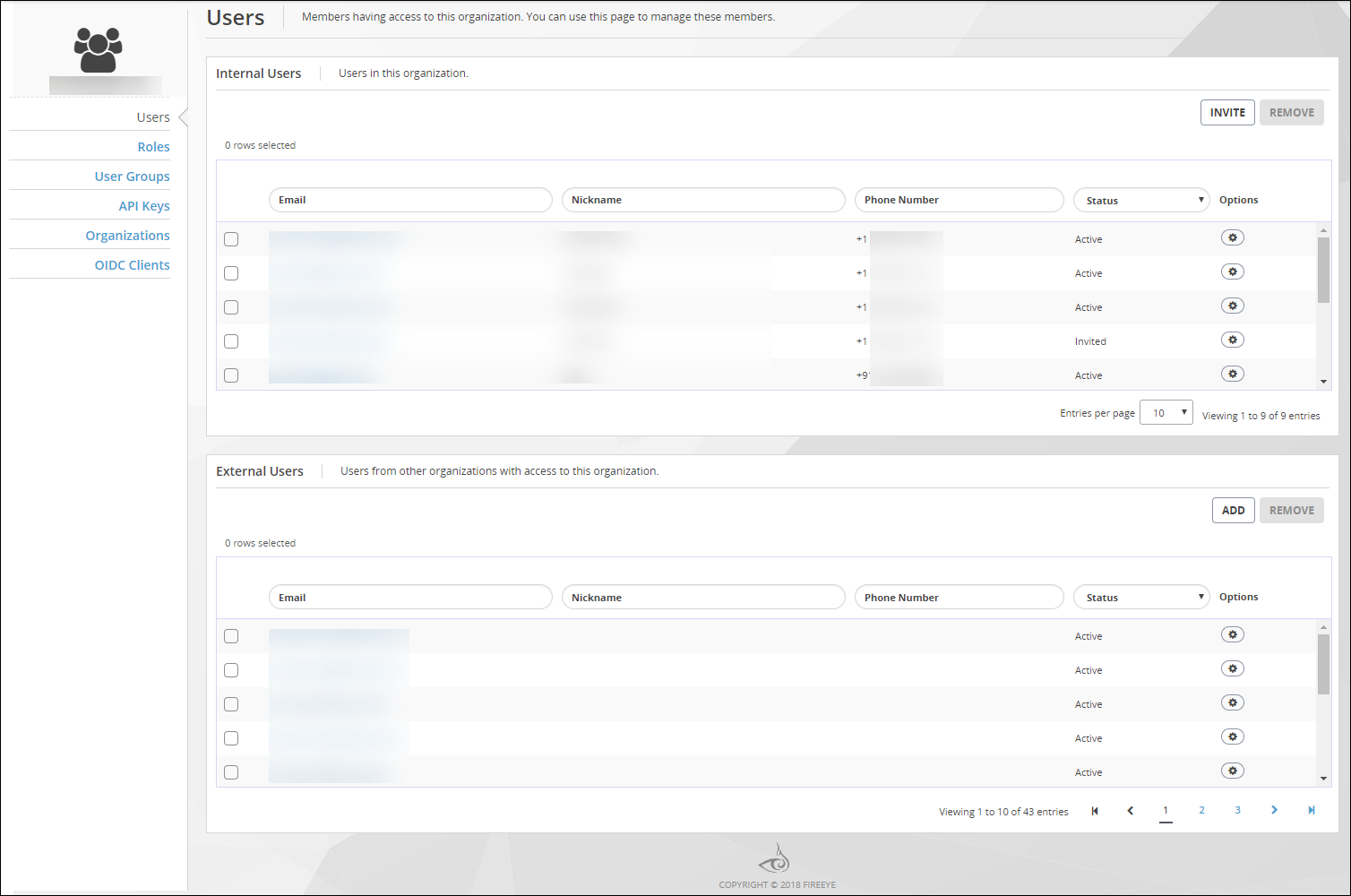
The Users page lists all IAM user accounts known to your IAM organization.
The Internal Users panel lists user accounts that are defined in your organization. The External Users panel lists user accounts that are defined in other organizations but which the organization administrator has added and assigned
To delete an individual user:
Click the Options icon for the user you want to delete, and select Remove.
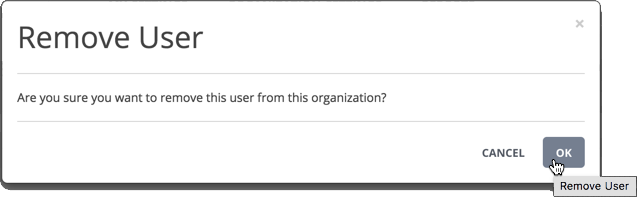
Click OK.
To delete multiple users:
Select the checkbox for each user you want to delete.
Click Remove.
Click OK.