The Notes widget allows you to include information or instructions on a global dashboard that you want to share with all users who have access to the global dashboard. You can also include notes on any dashboard that you have created.
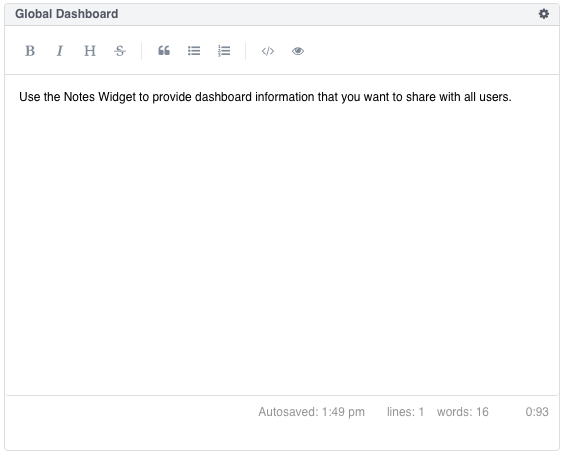
To add a Note Chart to your dashboard.
Note
To access the format menu, click inside the Notes box.
From the selected dashboard, click the Add Component button and select Notes.
Name the widget.
Click Add Component to save the Notes widget to your dashboard.
Click inside the Notes box and type notes to save with your dashboard.