Use the options under Investigate to search and filter through inbound messages sent to your organization or outbound messages sent from your organization, using the Email trace page. You can also search for alerts, determine if a malicious email is in quarantine, filter for specific email domains, and domain groups using the Alerts page.
The IVX cloud alerts page displays all of the malicious files that have been submitted to IVX Cloud. It allows you to filter, search, and investigate malicious files in detail. Access the Email campaigns page to group and process emails that have similar characteristics, such as URLs, subject, or sender.
You can also see details about acknowledging alerts in this section.
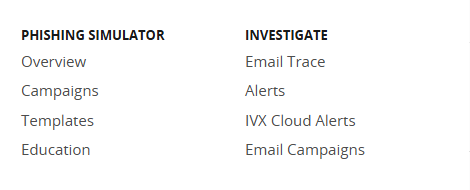
The Investigate section displays the following options:
Note
The total alert count does not include the number of campaigns detected.