The dashboard displays the following information through up-to-date charts, lists, and maps.
Note
The threat map is not available in the Outbound view.
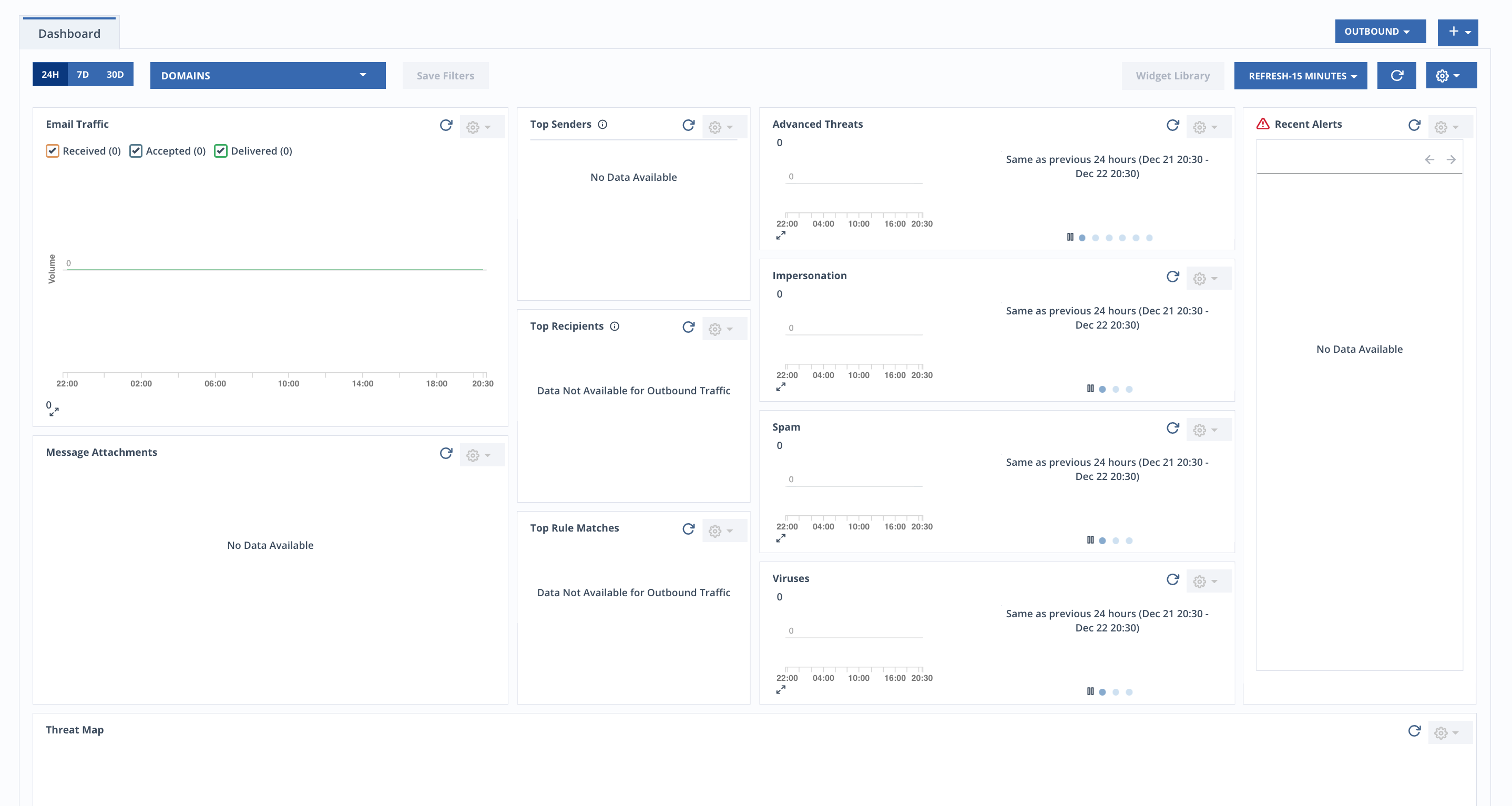
Refer to the following topics for managing the dashboard:
Scheduling dashboard reports
From the Dashboard page, you can create up to 3 dashboard report schedules.
To schedule a report:
Select a dashboard.
Click the
 icon in the top right corner.
Click Schedule Reports.
Select the Enabled checkbox.
Enter up to 5 email addresses.
Select a time zone from the Report Time Zone drop-down.
In the Schedules section, under Traffic Type, select Inbound or Outbound.
Under Repeat, select Daily, Weekly, or Monthly.
For Weekly, select a day of the week.
For Monthly, enter the day of the month the report will run.
If the day entered is greater than the number of days in the month, the report will run on the last day of the month.
Select a Delivery Time.
Click Add.
You can create up to 3 schedules.
Click Save.